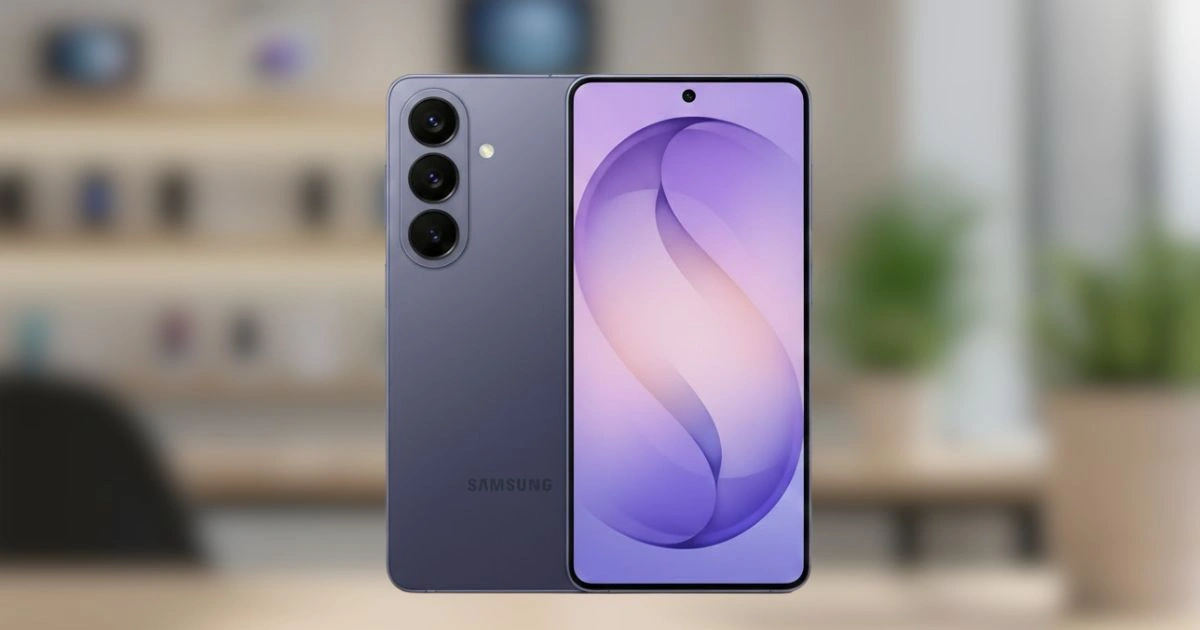
Smartphones have gradually evolved from collections of apps into personal assistants. With the launch of the Samsung Galaxy S26, that shift feels more real than ever. Instead of focusing solely on specs, megapixels, or speed, the S26 emphasizes smarter, more intuitive technology that helps users accomplish everyday tasks with minimal effort.
The headline feature is a new Gemini-powered system that can perform tasks across multiple apps automatically. Whether it’s ordering dinner, booking a ride, or building a grocery list, a single request can now complete the process from start to finish. Alongside this, Samsung has introduced upgrades to AI-assisted photo editing, call screening, daily briefings, and privacy tools. The overarching goal is clear: reduce friction and let the smartphone handle more busywork while keeping the user in control.
Early reviews and hands-on impressions suggest Samsung is aiming for practical AI rather than flashy gimmicks. Instead of showing off complex features that few users take advantage of, the S26 focuses on automation that genuinely saves time. Below is an in-depth look at the AI tools, how they work, and how they compare to other smartphones in the market.
6 Game‑Changing AI Features on Samsung Galaxy S26
1. Gemini Agentic AI: Letting The Phone Handle Tasks
The most significant update on the Galaxy S26 is the agentic version of Google Gemini. Unlike traditional AI chatbots that answer questions or suggest results, Gemini can now perform tasks inside apps on the user’s behalf. For example, long-press the power button and ask the phone to book the cheapest ride home. Gemini opens a secure overlay, compares options across supported apps, fills in the details, and prepares checkout. The user still confirms final actions, ensuring security, while repetitive navigation between multiple apps is eliminated. This functionality relies on deeper integration with Android 16. Structured screen automation allows Gemini to move through apps safely and transparently, executing tasks efficiently while maintaining user oversight.
At launch, the system prioritizes the most commonly used tasks:
- Reordering food from delivery apps like Uber Eats or DoorDash
- Comparing and booking rides across supported platforms
- Building grocery carts based on recipes or past shopping habits
Hands-on reviews indicate Gemini works best with apps that are part of Samsung’s partner ecosystem. Instead of specifying which app to use, users simply describe the desired outcome. This approach makes AI feel less like a robotic helper and more like a real personal assistant. Currently, this agentic AI is limited to flagship devices such as the Galaxy S26 and Google Pixel 10. Wider adoption may come as developers optimize their apps for cross-platform automation and AI readiness.
2. Circle To Search Gets Smarter
Circle To Search has been a feature on Samsung devices for some time, but on the Galaxy S26, it takes a significant leap forward. Previously, it identified single objects in photos. Now, it can analyze entire scenes. Circle an outfit to identify each clothing item, including brand and style. Circle a cluster of plants or animals, and it can generate a summary of the ecosystem or scene. This turns Circle To Search into a powerful tool for shopping, research, travel, and education.
Early reports indicate recognition accuracy has improved dramatically, even in busy or cluttered images. Users no longer need to manually search for each element in a scene, saving time and making tasks like online shopping or content research much more efficient. The expanded capabilities make Circle To Search more than a novelty—it now serves as a practical visual assistant for everyday life, helping users explore, compare, and interact with the world around them.
3. AI Photo Editing And The New Now Nudge
Samsung has long invested in camera hardware, but the Galaxy S26 emphasizes software improvements equally.
AI-Powered Editing
The updated image signal processor enhances:
- Natural skin tones
- Low-light performance
- Dynamic range in challenging lighting conditions
AI-powered editing allows changes through natural-language commands. Users can:
- Adjust lighting from day to night
- Remove distractions or blemishes
- Add missing details
- Modify clothing colors
- Restore small elements in the photo
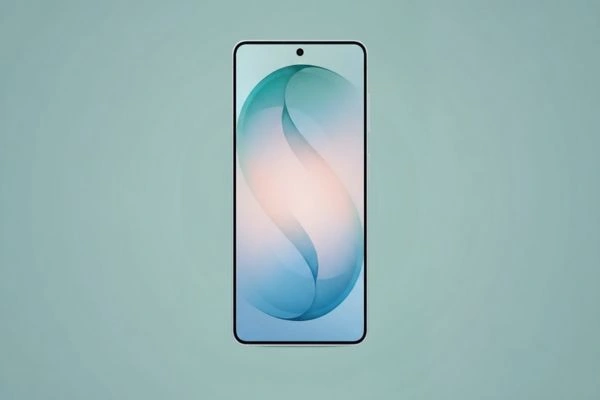
All edits are reversible, previewed step by step, and easy to undo. The interface feels conversational rather than technical, giving users the flexibility to experiment without fear of ruining images.
Now Nudge
Now Nudge complements AI editing by offering contextual suggestions. For instance, if someone asks for photos from a recent trip, the S26 automatically surfaces the most relevant images without the need to manually search albums. This feature extends beyond images, suggesting relevant content or actions based on the user’s daily routines, reminders, and habits. The combination of AI editing and proactive nudges represents a move toward a more anticipatory smartphone, where the device helps complete tasks before the user even thinks of them.
4. Now Brief: A More Proactive Assistant
Now Brief consolidates daily information into a concise, contextual overview. Calendar events, travel updates, reminders, and alerts appear in one place, reducing the need to manually check multiple apps. Important updates—such as flight delays, reservation reminders, or meeting changes—surface automatically. Over time, Now Brief learns which notifications are most relevant, prioritizing them while ignoring less important alerts. The goal is fewer interruptions with more meaningful notifications. Users benefit from reduced stress, better organization, and improved time management, reflecting a broader trend in smartphone design toward thoughtful, rather than constant, connectivity.
5. Bixby And Third-Party AI Assistants
Samsung continues refining Bixby, making device control more conversational. Tasks such as adjusting settings, navigating menus, and launching apps are smoother and more intuitive. At the same time, Samsung avoids forcing users into a single ecosystem. Gemini, Bixby, and third-party AI assistants like Perplexity AI can all be activated with a button press or voice prompt. This multi-assistant strategy allows flexibility while keeping Samsung’s proprietary tools central for system-level functions.
6. Call Screening And Privacy Controls
Spam calls remain a universal annoyance. The Galaxy S26 introduces AI-powered call screening that identifies unknown numbers and provides short summaries of their purpose before users answer. Privacy controls have also expanded. Apps with access to sensitive data—such as location, contacts, or call logs—are monitored in real time. Users receive notifications if an app attempts to access data without a clear reason. Transparency is central to Samsung’s AI approach. Gemini will not confirm payments without manual approval, and automated actions can be paused or canceled at any time. While certain interactions may be reviewed to improve accuracy, users have full opt-out control.
Device Comparisons
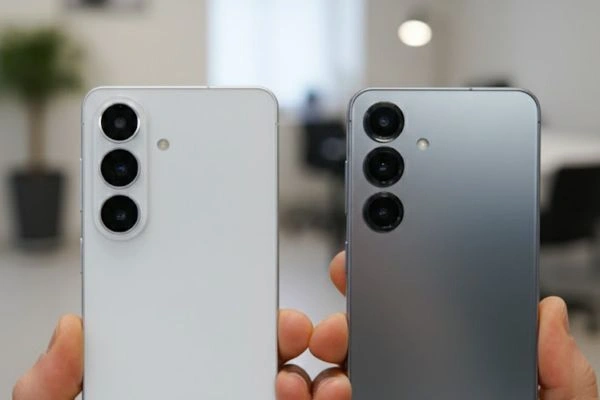
Galaxy S26 Vs Galaxy S25
Compared to the Galaxy S25, the S26 emphasizes software intelligence over hardware upgrades. Key differences include:
- Agentic AI with cross-app automation
- Smarter Circle To Search
- Advanced AI photo editing tools
- Improved contextual briefings
While the S25 is still a capable device for performance and display, the S26 shifts focus toward efficiency and task management. The S26 feels less like a smartphone and more like a personal assistant built into one device.
Galaxy S26 Vs Google Pixel 10
The Pixel 10 shares some AI features, particularly around Gemini integration. However, the experience differs:
- Pixel 10 offers seamless integration with Google services
- Galaxy S26 pairs AI features with Samsung hardware, display quality, and ecosystem tools
Choosing between the two largely depends on ecosystem preference and camera needs rather than AI functionality alone. Samsung offers more customization options, while Google provides a streamlined, Google-first experience.
How Agentic AI Could Change Smartphone Design
The traditional app grid may become less central. When tasks can be executed through intent rather than navigation, the interface itself takes a backseat. Instead of thinking about which app to open, users describe the result they want. Developers may then focus on structured data, automation compatibility, and AI-ready app design. While this shift will not happen overnight—many apps still require manual interaction—the Galaxy S26 demonstrates how the foundation is being laid for a more intuitive, intent-driven smartphone experience.
Frequently Asked Questions
What Is Agentic AI On The Galaxy S26?
Agentic AI allows Gemini to complete multi-step tasks across apps automatically using Android 16’s structured screen automation.
Is The Automation Safe?
Yes. Payments and confirmations still require manual approval. Users can pause or stop automated actions, and privacy controls allow opting out of data reviews.
Does The Galaxy S26 Replace Apps Entirely?
No. Apps remain fully functional. Agentic AI reduces the need to switch between them for common tasks.
How Does The Camera Compare To Previous Models?
The S26 focuses on software improvements, delivering more natural skin tones, better low-light performance, and enhanced editing flexibility.
Is Bixby Still Required?
No. Users can choose Gemini, Bixby, or third-party AI assistants depending on preference. Bixby is optional.
Who Should Upgrade?
Those who rely heavily on delivery apps, ride-sharing, or shopping tools will see the most benefit. Users satisfied with traditional app navigation may see less urgency to upgrade.
The Galaxy S26 Signals A Smarter Smartphone Era
The Samsung Galaxy S26 represents a significant evolution in how smartphones manage daily tasks. The focus has shifted from raw performance metrics to reducing friction, enabling automation, and providing an intuitive, AI-driven experience.
By combining agentic AI, smarter scene recognition, AI-assisted photo editing, contextual briefings, and enhanced privacy controls, Samsung is moving smartphones closer to true personal assistants.
If these AI tools continue to develop, the need to constantly switch between apps may become a thing of the past. The Galaxy S26 demonstrates a future where smartphones do more of the heavy lifting, letting users focus on what matters most. Asking once and letting the phone handle the rest may soon become the new standard for mobile technology.